Activity 1
Exercise 1: Prints my name

<!DOCTYPE html>
<html>
  <head>
    <title>My Name Webpage</title>
  </head>
  <body>
    <h1>Frezie M. Traya</h1>
    <p>This webpage prints my name on the screen.</p>
  </body>
</html>
Exercise 2: Print numbers 1 to 10
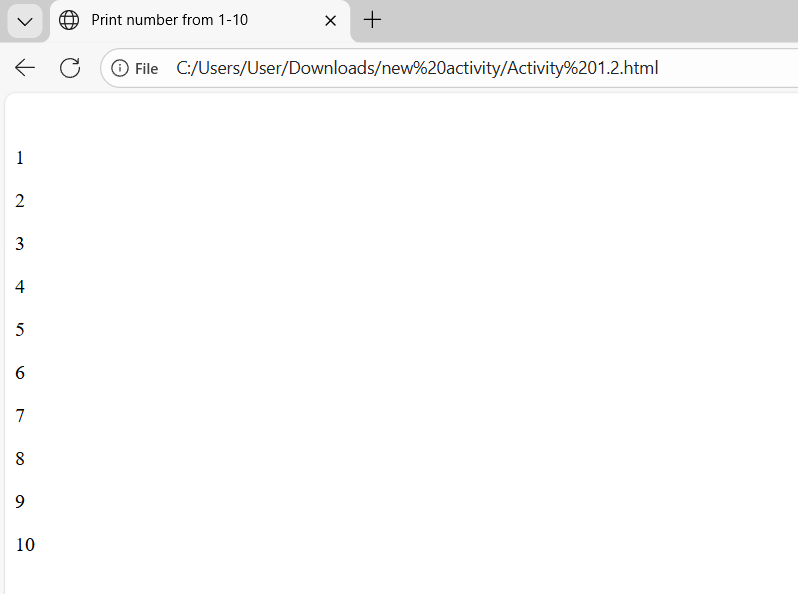
<!DOCTYPE html>
<html>
<head>
    <title>Activity 1</title>
</head>
<body>

<p>1</p>
<p>2</p>
<p>3</p>
<p>4</p>
<p>5</p>
<p>6</p>
<p>7</p>
<p>8</p>
<p>9</p>
<p>10</p>

</body>
</html>
Exercise 3: Webpage Name

<!DOCTYPE html>
<html>
  <head>
    <title>This is a webpage</title>
  </head>
  <body>
  </body>
</html>
Exercise 4: Prints the message and set the title of the page to the current date

<!DOCTYPE html>
<html>
  <head>
    <title>February 5, 2026</title>
  </head>
  <body>
    <p>When was this webpage created? Check page's title for the answer.</p>
  </body>
</html>
Exercise 5: No Head Section

<!DOCTYPE html>
<html>
  <body>
    <h1>Hello , college life is hard !</h1>
  </body>
</html>
Exercise 6: With Head Section

<!DOCTYPE html>
<html>
  <head>
    <title>My Name Webpage</title>
  </head>
  <body>
    <h1>Frezie M. Traya</h1>
    <p>This webpage prints my name on the screen.</p>
  </body>
Learning
I learned that using images in HTML helps make a webpage more attractive and easier to understand. I realized that it is important to set the correct size and add descriptions so the images display properly. I also discovered that images can be used as links, which adds more interaction to the page. Through this activity, I improved my skills in adding and managing images and understood their importance in web design.